Angie's CartThe grocery app where pantry and cart stay in sync
Never wonder "do I have this at home?" again.
Flag an item "need to buy" and it lands in your cart instantly. Finish shopping and your pantry resets to "stocked." No more double entry.
Sound familiar?
At the store, you can never remember if you already have it at home
Tracking pantry and cart separately means typing everything twice
Apps that need quantities and categories get abandoned fast
Angie's Cart solves all of it ✨
No clutter. Just the essentials.
The one app that connects your pantry and your cart
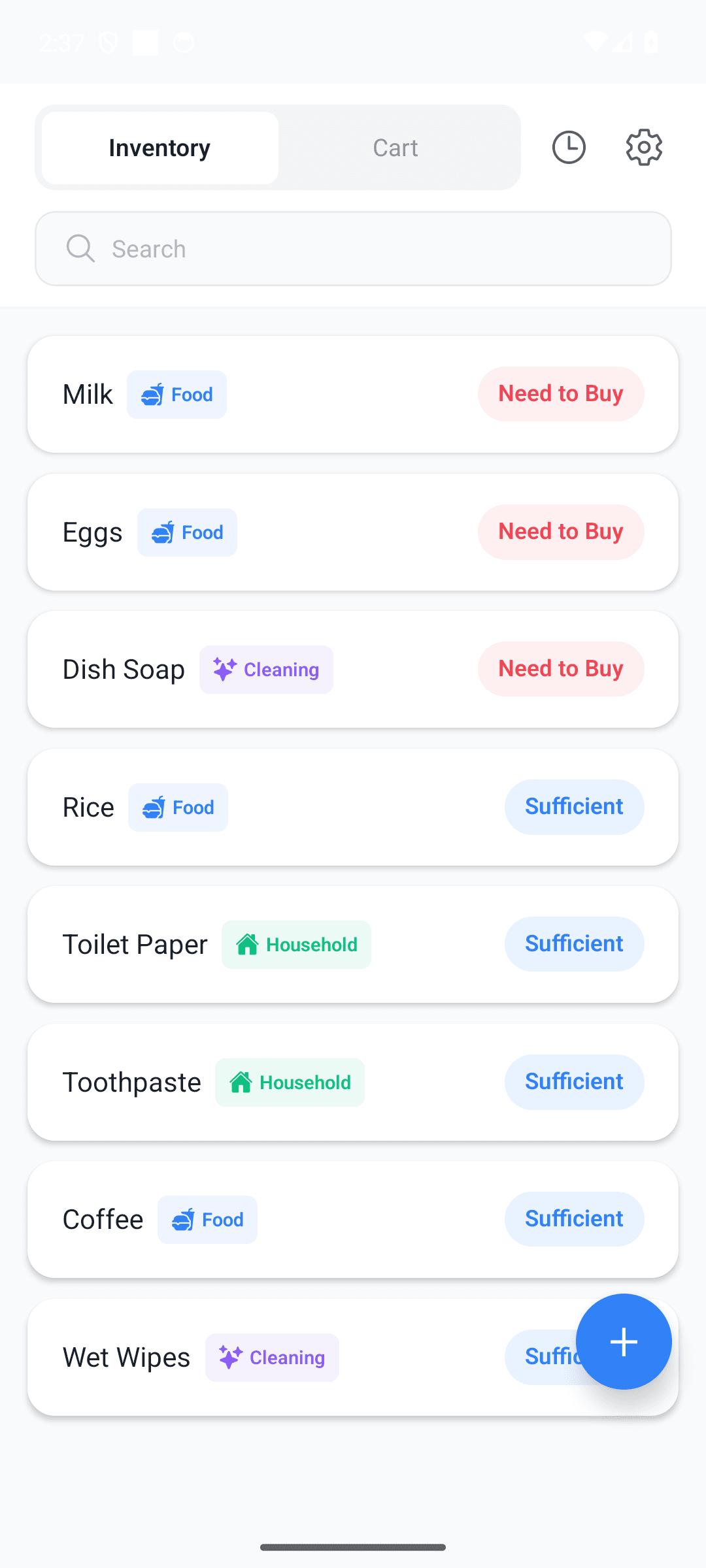
Pantry & cart auto-sync
Mark an item "need to buy" and it's added to your cart automatically. Finish shopping and it resets to "stocked." Never type it twice.
Two states, one second
No complex quantity management. Just two states — "stocked" or "need to buy" — toggled with a single switch. Anyone gets it in a second.
Batch shopping complete
Check off what you bought and process it all with one tap. Inventory flips to "stocked" and your cart cleans itself up.
Reminders & spending report
Get a "N items to buy" reminder on the days and times you choose. See your household patterns with purchase history and a spending report.
Fully local & private
No server. 100% stored on your device. No login, no signup, and every feature works offline. Your data never leaves your phone.
Korean, English, Japanese
Auto-detects your device language and lets you switch anytime in settings. Familiar wherever you are.
See it in action
From checking your pantry to finishing the shop — just a few taps
See what's home at a glance
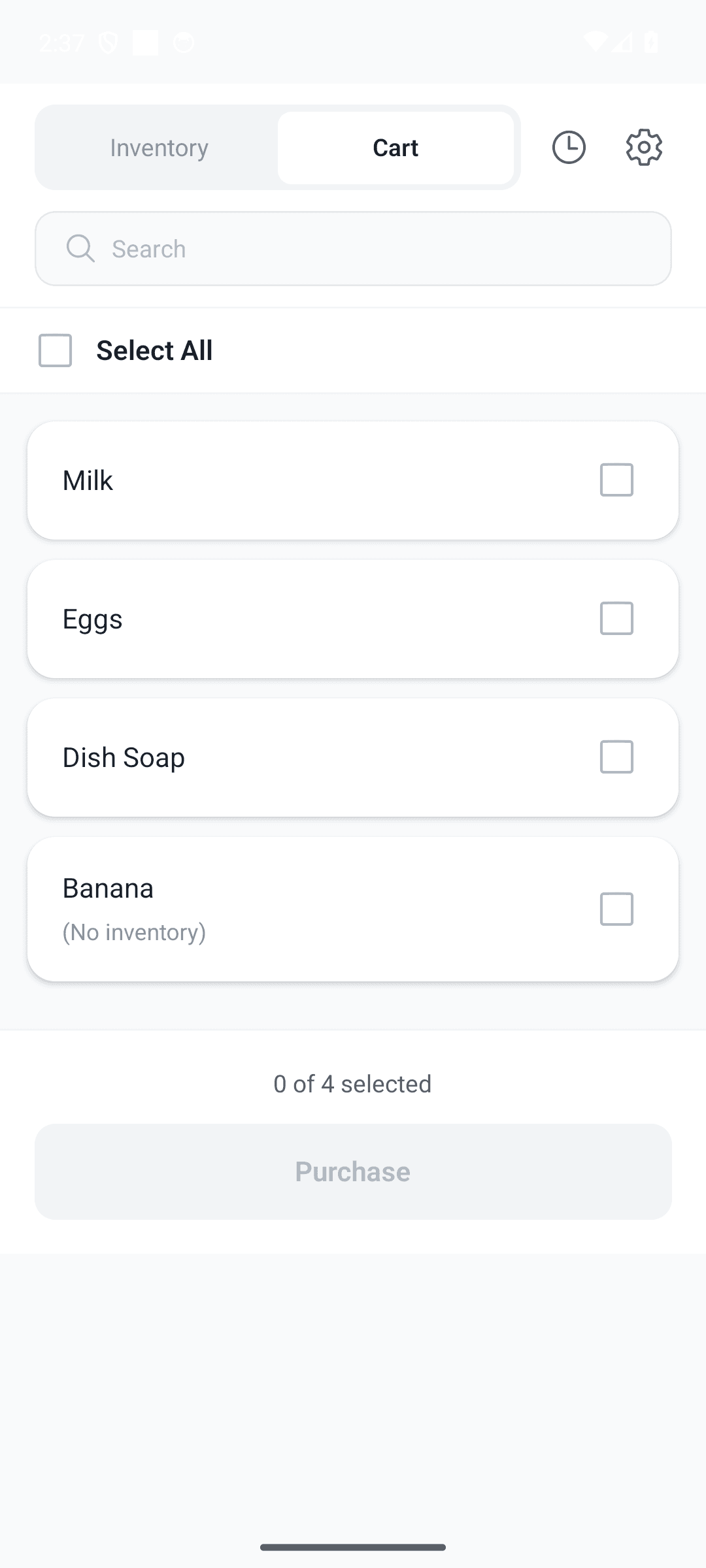
Need to buy? Auto-added to cart
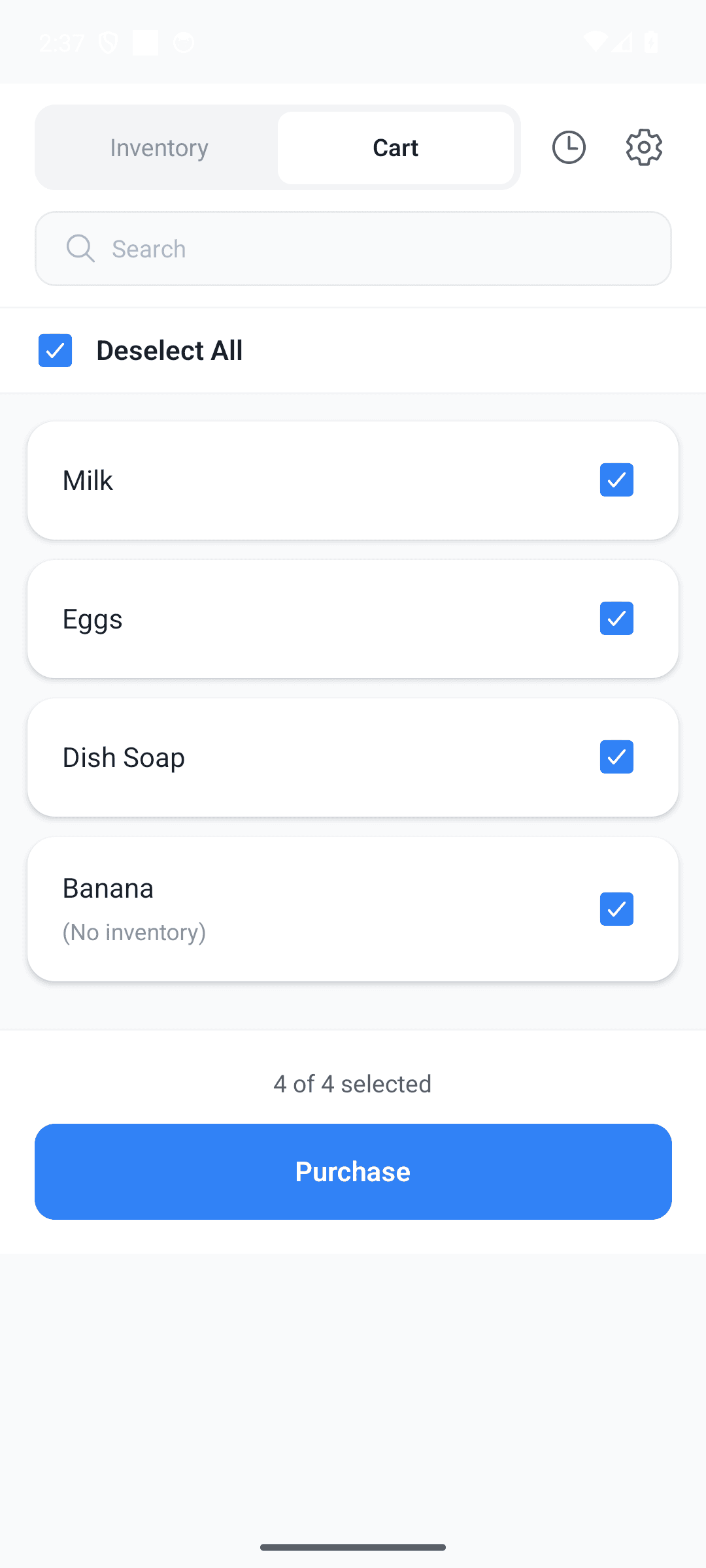
Check off, shopping done
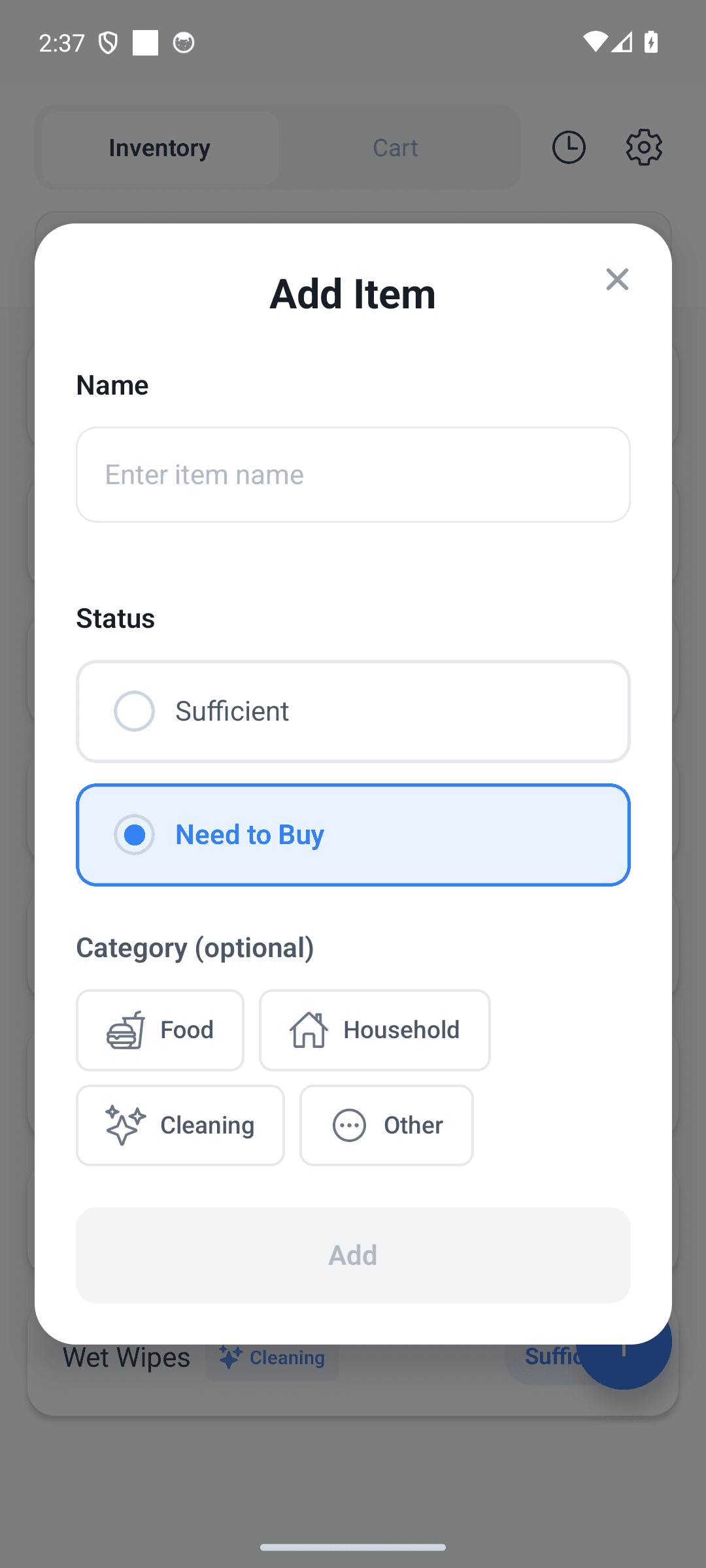
Just type a name. That's it
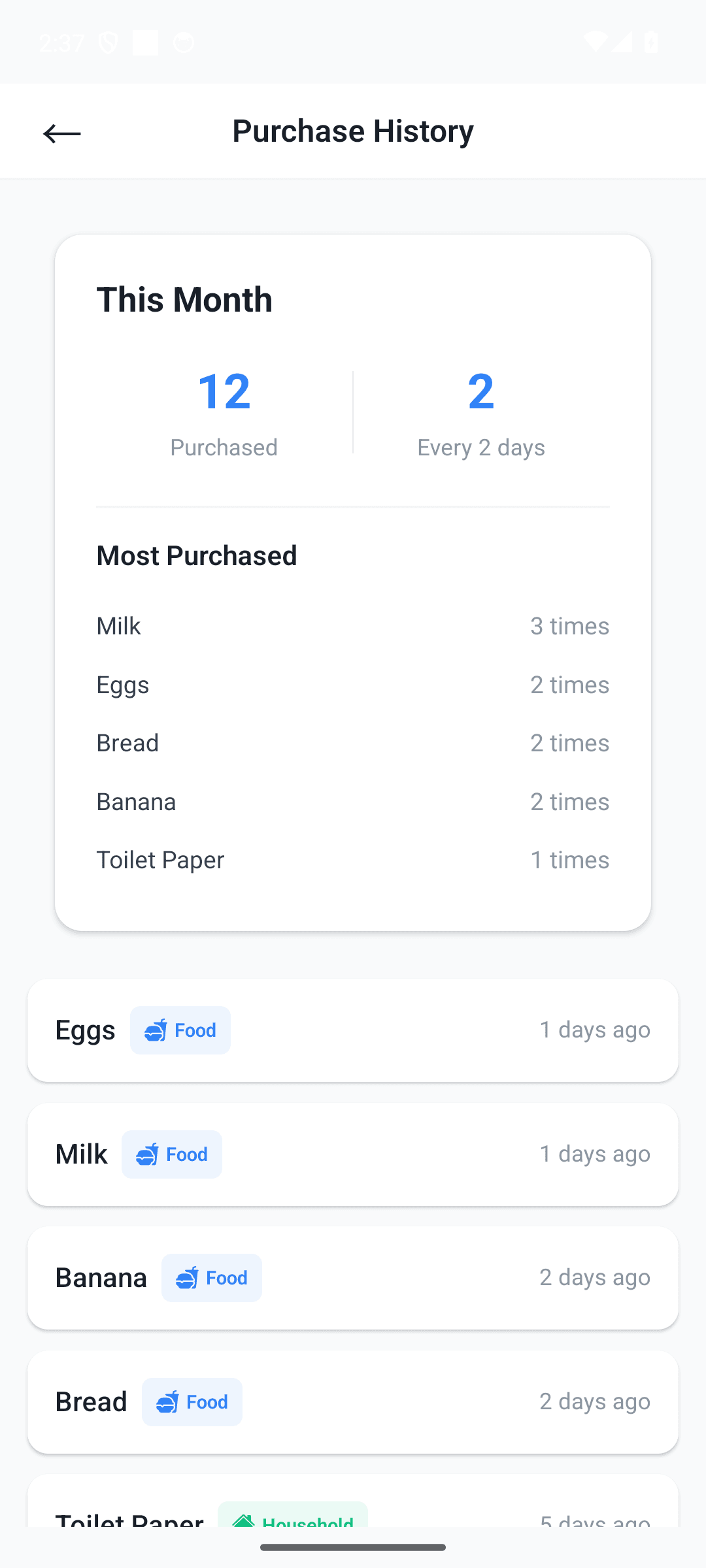
History and spending insights
Three steps is all it takes
Add your pantry
Just type the item name. No quantities, no categories needed.
Toggle "need to buy"
Out of something? Flag it — it's added to your cart automatically.
Shop & batch complete
Check off what you bought. Inventory resets and your cart clears itself.
Frequently asked questions
Do I need an account or login?
No. There's no login and no signup. All your data lives on your device and works without an internet connection.
Is it really free?
Yes, every core feature is free. If ads bother you, remove them forever with a single one-time purchase (not a subscription).
Is my data safe?
There's no server. Your inventory is stored 100% on your device and never sent anywhere.
How do the pantry and cart sync?
Flag an item "need to buy" and it's added to your cart; finish shopping and the item flips to "stocked" and leaves the cart. You never enter it twice.
Stop guessing at the store
Download free and manage your pantry the simplest way possible.